
DDoS là gì: các kiểu tấn công, khuếch đại và cách phòng chống
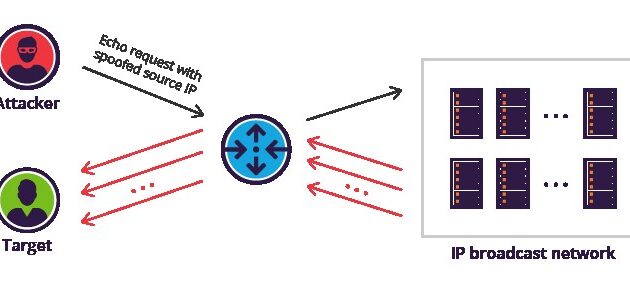
DDoS là gì: các kiểu tấn công, kỹ thuật khuếch đại và cách phòng chống DDoS (Distributed Denial of Service) là kiểu tấn công từ chối dịch vụ phân tán,…
Xem thêm
Debugging là gì: quy trình, kỹ thuật và công cụ tìm lỗi
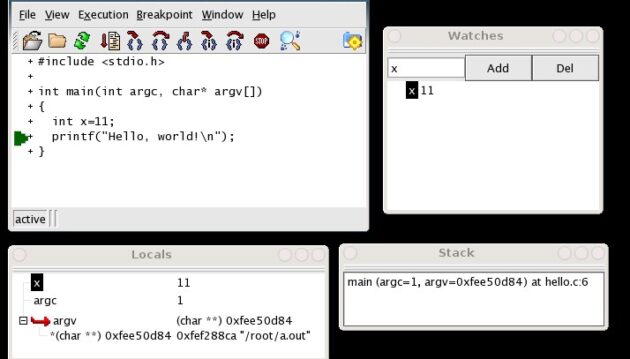
Debugging là gì: quy trình, kỹ thuật và công cụ tìm lỗi phần mềm Debugging là quá trình phát hiện, cô lập và khắc phục lỗi trong phần mềm. Từ…
Xem thêm
Self-attention là gì: cơ chế Q, K, V trong mô hình ngôn ngữ
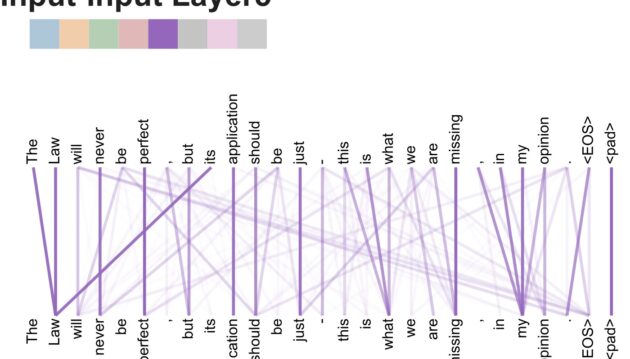
Self-attention là gì: Q, K, V và cách mô hình ngôn ngữ tính ngữ cảnh Self-attention là cơ chế cho phép mô hình ngôn ngữ tự tính mối quan hệ…
Xem thêm
HTTP/3 và QUIC là gì: giao thức web mới, nhanh hơn HTTP/2
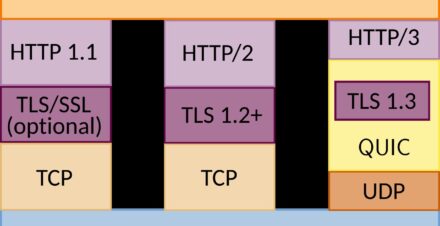
HTTP/3 và QUIC là gì: giao thức web mới, nhanh hơn HTTP/2 HTTP/3 là phiên bản thứ ba của giao thức Hypertext Transfer Protocol — nền tảng trao đổi thông…
Xem thêm
Terraform là gì: công cụ Infrastructure as Code của HashiCorp
Terraform là gì: công cụ Infrastructure as Code của HashiCorp Terraform là một công cụ Infrastructure as Code (IaC) do HashiCorp phát triển, cho phép người dùng khai báo và…
Xem thêm
Solana là gì: blockchain tốc độ cao với cơ chế Proof of History
Solana là gì: blockchain tốc độ cao với cơ chế Proof of History Solana là một blockchain layer-1 được ra mắt vào năm 2020, thiết kế để đạt được giao…
Xem thêm
Validator node là gì: chạy node Ethereum và nhận phần thưởng
Validator node là gì: chạy node Ethereum và nhận phần thưởng Validator node (nút xác thực) là một máy tính tham gia vào việc xác thực giao dịch và đề…
Xem thêm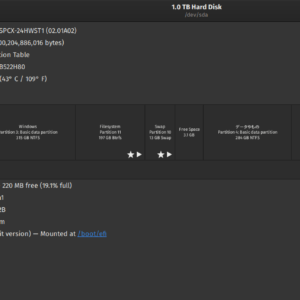
Dọn dẹp ổ đĩa: lệnh và công cụ giải phóng dung lượng ổ cứng
Dọn dẹp ổ đĩa: lệnh và công cụ giải phóng dung lượng ổ cứng Trong quá trình sử dụng, ổ đĩa máy tính tích tụ dần các file tạm, bản…
Xem thêm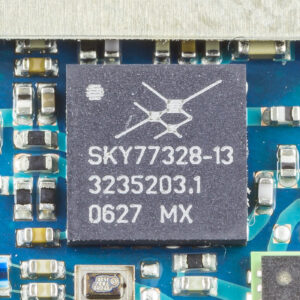
Power amplifier là gì: công suất, hiệu suất và lớp khuếch đại
Power amplifier là gì: công suất, hiệu suất và lớp khuếch đại Power amplifier (tầng khuếch đại công suất) là thiết bị điện tử tăng công suất tín hiệu từ…
Xem thêm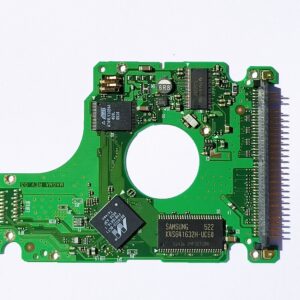
Cách thay ổ cứng HDD bằng SSD: hướng dẫn cài đặt chi tiết
Cách thay ổ cứng HDD bằng SSD: hướng dẫn cài đặt chi tiết Thay ổ cứng HDD bằng SSD là cách nâng cấp máy tính hiệu quả nhất, giúp thời…
Xem thêm