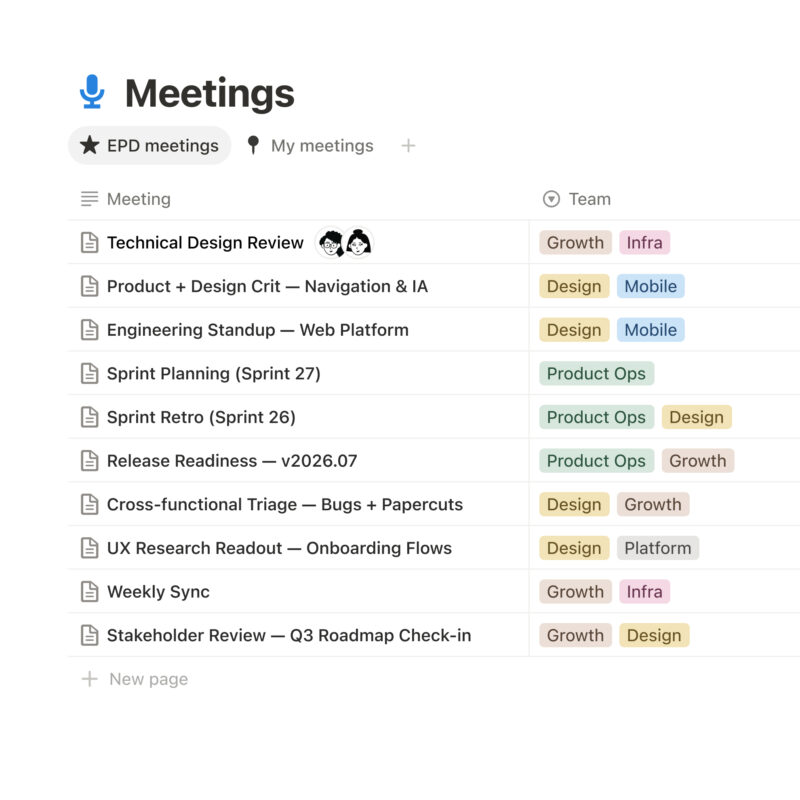
Notion API cho phép lập trình viên tự động hóa workspace — đọc/ghi pages, databases, users, comments qua REST API. Từ sync dữ liệu, xây dashboard nội bộ, đến tích hợp SaaS: mọi thao tác thủ công trong Notion giờ đều có thể script hóa. Base URL https://api.notion.com, tất cả endpoint dùng RESTful, request/response JSON.
Ba loại connection, ba cách dùng
Notion phân biệt 3 mô hình authentication, mỗi loại phục vụ use case khác nhau:
| Loại | Auth | Phạm vi | Use case điển hình |
|---|---|---|---|
| Internal connection | Static API token | 1 workspace | Automation nội bộ, sync data, internal dashboard, notification bot |
| Public connection (OAuth) | OAuth 2.0 | Any workspace hoặc selected | SaaS công khai, marketplace app, tool cho nhiều team |
| Personal Access Token (PAT) | Bearer token | 1 user, 1 workspace | Script cá nhân, CLI tool, Workers, trusted automation |
Internal connection đơn giản nhất cho dev: tạo ở Settings & Members → Connections → Develop internal integration, copy token, bắt đầu code. Không cần OAuth flow, không cần security review. Public connection phải qua Notion marketplace security review. PAT kế thừa quyền người tạo — nhanh cho test nhưng cẩn thận khi share.
Khái niệm cốt lõi: Block, Page, Database
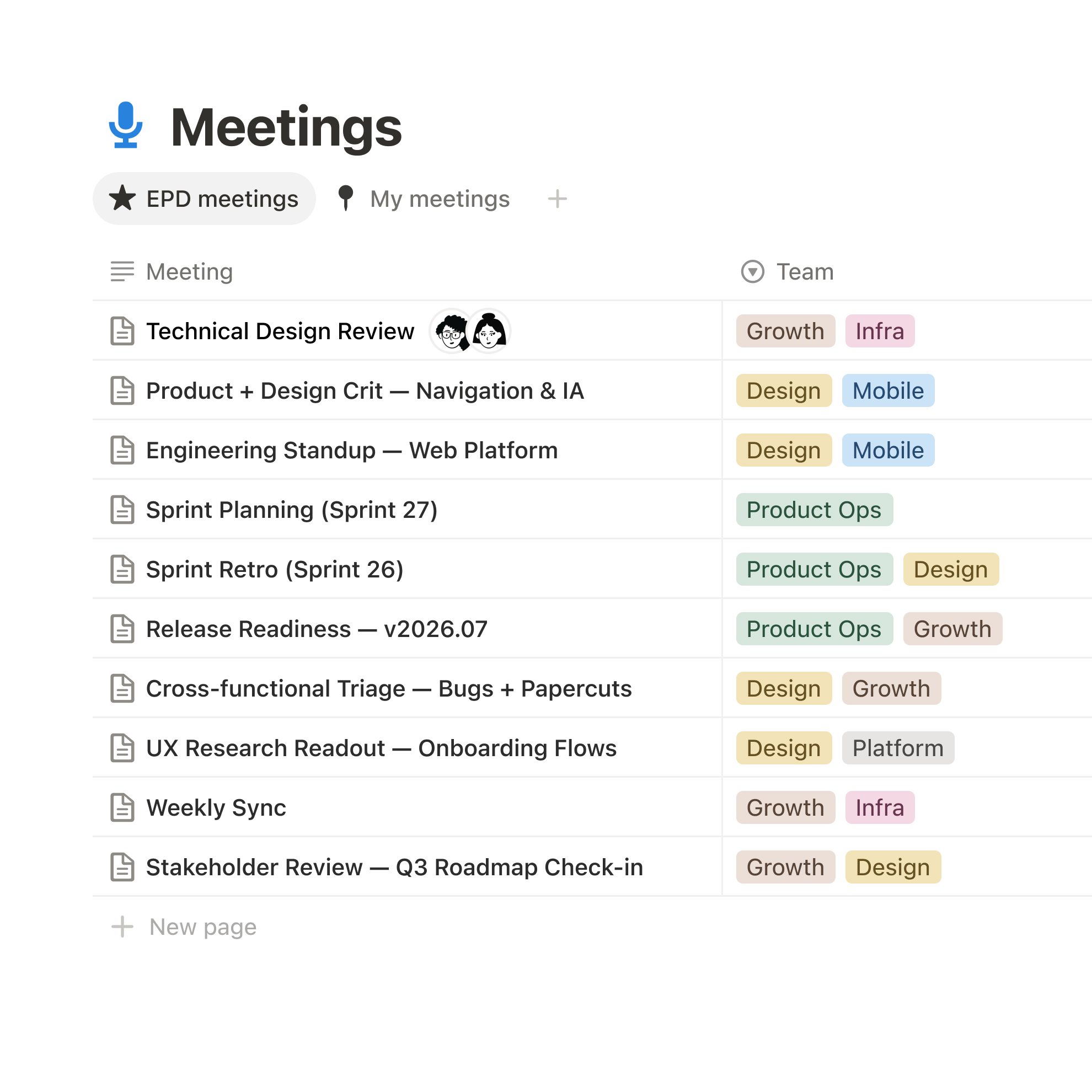
Mọi thứ trong Notion là block: text, heading, image, table, embed, column… Page là container của blocks. Database là collection pages có properties (schema). Hiểu đúng model này quan trọng hơn biết cú pháp API.
- Block ID: UUIDv4, dùng để patch/update nội dung granular. Mỗi block có type riêng (paragraph, heading_1, bulleted_list_item…)
- Page properties: Title (rich text), select, multi-select, date, number, formula, relation, rollup, URL, email, phone, checkbox
- Database query: Filter/sort phức tạp tương đương UI — compound
and/orfilters, multi-level sorts, pagination cursor - Property values: API trả về structured JSON — không cần parse HTML
- Rich text: Mảng objects có
text.content+ annotations (bold, italic, code, color, link)
Ví dụ thực tế: Query database với filter phức tạp
curl -X POST 'https://api.notion.com/v1/databases/{db_id}/query'
  -H 'Authorization: Bearer {token}'
  -H 'Notion-Version: 2025-09-03'
  -H 'Content-Type: application/json'
  -d '{
    "filter": {
      "and": [
        { "property": "Status", "select": { "equals": "In Progress" } },
        { "or": [
            { "property": "Assignee", "people": { "contains": "user_id_1" } },
            { "property": "Priority", "select": { "equals": "High" } }
          ]
        }
      ]
    },
    "sorts": [
      { "property": "Due Date", "direction": "ascending" }
    ],
    "page_size": 50
  }'
Filter object mirror hệt Notion UI: and = chuỗi “And” trong UI, or = chuỗi “Or”. Property name dùng tên hiển thị (case-sensitive). Sắp xếp theo timestamp (created_time/last_edited_time) hoặc property bất kỳ.
Ví dụ 2: Tạo page với properties và children blocks
curl -X POST 'https://api.notion.com/v1/pages'
  -H 'Authorization: Bearer {token}'
  -H 'Notion-Version: 2025-09-03'
  -H 'Content-Type: application/json'
  -d '{
    "parent": { "database_id": "{db_id}" },
    "properties": {
      "Name": { "title": [{ "text": { "content": "Task mới" } }] },
      "Status": { "select": { "name": "Not Started" } },
      "Tags": { "multi_select": [{ "name": "backend" }, { "name": "api" }] }
    },
    "children": [{
      "object": "block",
      "type": "paragraph",
      "paragraph": {
        "rich_text": [{ "type": "text", "text": { "content": "Mô tả task" } }]
      }
    }, {
      "object": "block",
      "type": "bulleted_list_item",
      "bulleted_list_item": {
        "rich_text": [{ "text": { "content": "Sub-task 1" } }]
      }
    }]
  }'
Ví dụ 3: Append blocks vào page hiện có
curl -X PATCH 'https://api.notion.com/v1/blocks/{block_id}/children'
  -H 'Authorization: Bearer {token}'
  -H 'Notion-Version: 2025-09-03'
  -H 'Content-Type: application/json'
  -d '{
    "children": [{
      "object": "block",
      "type": "code",
      "code": {
        "rich_text": [{ "text": { "content": "console.log("hello")" } }],
        "language": "javascript"
      }
    }]
  }'
Rate limits & best practices
- Request limit: 3 requests/second/connection (burst cho phép). Vượt limit → HTTP 429, retry sau
Retry-Afterheader - Pagination: Luôn dùng
next_cursor, đừng hardcode offset.page_sizetối đa 100 - Version header: Bắt buộc
Notion-Version: 2025-09-03(hoặc version bạn develop against). Quên header = error - SDK: Dùng @notionhq/client (JS/TS) hoặc notion-client (Python) thay vì raw HTTP — handle retry, pagination, type safety tự động
- Error handling: Kiểm tra
object: "error",code(unauthorized, rate_limited, validation_error…)
Webhook: Real-time thay vì polling
Thay vì poll database mỗi phút, đăng ký webhook nhận event page.created, page.updated, database.updated… Webhook gửi payload đến endpoint HTTPS của bạn, verify bằng X-Notion-Signature header (HMAC SHA256). Cấu hình ở Connection settings → Webhooks.
- Hỗ trợ retry với exponential backoff
- Event payload chỉ chứa ID, cần gọi API lấy chi tiết nếu cần content
- Hết hạn token → webhook delivery fail, cần refresh credential
- Webhook secret verify:
HMAC_SHA256(secret, payload) == signature_header
Kết luận
Notion API biến workspace thành backend có UI — non-dev quản lý dữ liệu trên giao diện đẹp, dev truy xuất qua API sạch. Internal connection + PAT đủ cho 90% automation nội bộ. Chỉ cần public connection khi xây SaaS cho marketplace. Webhook thay polling cho real-time sync với latency thấp hơn đáng kể. Kết hợp Notion + Notion SDK + internal connection = stack automation workspace nhanh nhất hiện nay.
Nguồn: Notion API Overview | API Reference | Query Database | Create Page | Append Blocks