Obsidian là gì?
Obsidian là ứng dụng ghi chú kiến thức cá nhân (personal knowledge management – PKM) dùng định dạng Markdown thuần, lưu trữ cục bộ trên máy tính của bạn. Khác với Notion, Evernote hay Confluence — Obsidian không có cloud lock-in, không có subscription bắt buộc, và không giới hạn số note. Tất cả dữ liệu là file .md thông thường, bạn sở hữu hoàn toàn.
Tại sao Obsidian phù hợp cho developer?
Markdown thuần, version control friendly
Mỗi note là file .md — tương thích hoàn hảo với Git. Developer có thể:
- Dùng
git difftrack thay đổi kiến thức theo thời gian - Collaborate qua Git + Markdown — không bị lệ thuộc format proprietary của Notion
- Diff, merge, revert note giống code
- Hook vào CI/CD: auto-tag, auto-generate wiki từ note folder
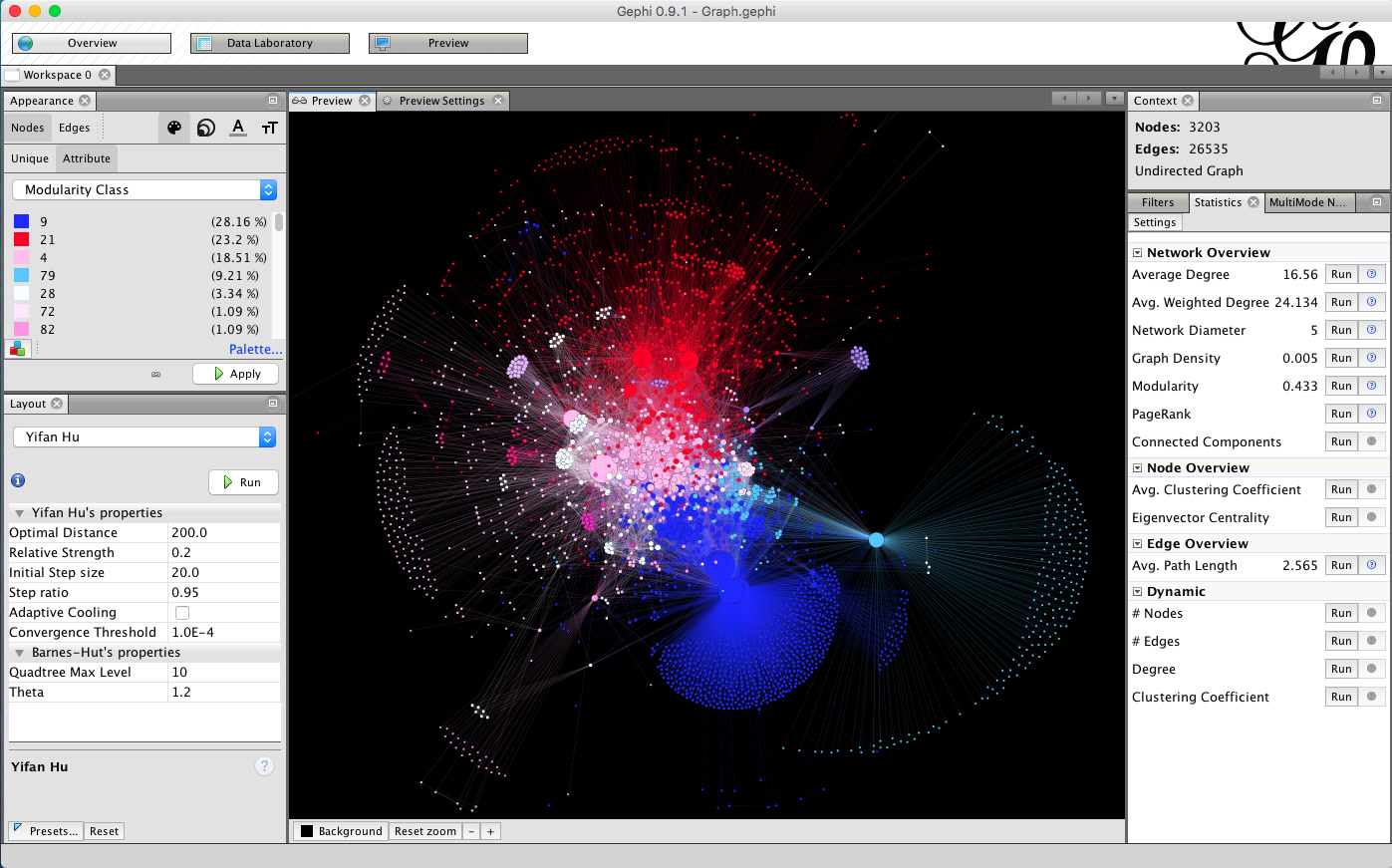
Graph view — Second Brain trực quan
Obsidian sinh graph động từ internal links ([[wiki-link]]) giữa các note. Bạn nhìn thấy:
- Cluster concept: Nhóm note liên quan tự động nhóm lại
- Orphan note: Note không link đến/được từ note nào — dấu hiệu cần tổ chức lại
- Path giữa 2 concept: Trace lineage từ “Docker Compose” đến “Kubernetes” qua các intermediate note
Code block + Syntax highlighting
Obsidian hỗ trợ code block có syntax highlighting cho hàng trăm ngôn ngữ (Python, Rust, Go, SQL, regex, YAML, TOML, Terraform, v.v.). Bạn có thể lưu snippet code, stack trace, config template trực tiếp trong note — không cần chuyển qua file riêng rồi quên đâu.
# Example: Redis cache pattern trong Obsidian
import redis
from functools import lru_cache

r = redis.Redis(decode_responses=True)

@lru_cache(maxsize=128)
def get_user(user_id: str) -> dict:
    cached = r.get(f"user:{user_id}")
    if cached:
        return json.loads(cached)
    user = db.query("SELECT * FROM users WHERE id = %s", user_id)
    r.setex(f"user:{user_id}", 3600, json.dumps(user))
    return user
Plugin ecosystem (400+ plugins)
Obsidian có marketplace plugin phong phú, nhiều plugin hữu ích cho developer:
- Templater: Auto-apply template cho note mới (bug report, ADR, API doc, daily standup).
- Dataview: Query note như database —
TABLE file.mtime, tags FROM "notes" WHERE contains(file.path, 'rust'). - Excalidraw: Whiteboard trực tiếp trong note — vẽ sơ đồ kiến trúc, sequence diagram, flowchart.
- Tasks: Quản lý todo, due date, recurrence trong Markdown.
- Shell commands: Chạy script Python, bash từ trong Obsidian — tự động hóa note workflow.
- Paste image rename: Paste screenshot từ clipboard, tự động đổi tên theo pattern
YYYY-MM-DD_HHMM_....
Workflow Second Brain cho developer
PARA method áp dụng Obsidian
Organize note theo 4 thư mục chính:
- Projects: Đang active — sprint note, feature spec, bug investigation, migration plan. Xóa/chuyển sau khi done.
- Areas: Trách nhiệm lâu dài — backend architecture, frontend patterns, DevOps runbook, security policy, team conventions.
- Resources: Kiến thức tham khảo — cheat sheet (Linux command, regex, Git workflow), API reference, design pattern, book summary.
- Archive: Done/project cũ — để traceability nhưng không làm lộn inbox.
Daily note + Monthly review
# Daily template
## Todo
- [ ] Fix auth bug JIRA-1234
- [ ] Review PR #567 (Alice)
- [ ] Write ADR: chọn database cho user service

## Notes
- Staging deploy lúc 14:00, monitor latency
- Redis hit ratio giảm sau khi clear cache — check TTL config

## Links
- [[Redis - Cache Strategy]]
- [[Auth Service Architecture]]
Architecture Decision Record (ADR) trong Obsidian
Mỗi lần có quyết định kiến trúc quan trọng, tạo note theo template:
# ADR-0014: Chọn PostgreSQL JSONB thay vì MongoDB ## Context User service cần lưu preferences động (theme, notification, feature flags). Hiện tại đang query MongoDB, team muốn consolidate vào PostgreSQL. ## Options 1. Keep MongoDB (quota extra infra) 2. Migrate sang PostgreSQL JSONB (single DB) 3. Use Redis hash cho preferences (no query capability) ## Decision Chọn option 2: PostgreSQL JSONB. ## Rationale - Single source of truth, giảm infra cost - JSONB query đủ mạnh cho use case (GIN index, containment operators) - Team đã expert PostgreSQL, không cần học MongoDB ops ## Consequences - Migration script cần test rollback - ORM layer update: Prisma Json type
- Monitoring: query plan cho GIN index
So sánh Obsidian với Notion, Logseq, Roam Research
| Tiêu chí | Obsidian | Notion | Logseq | Roam Research |
|---|---|---|---|---|
| Lưu trữ | Cục bộ (Markdown) | Cloud (proprietary) | Cục bộ (Markdown/Org) | Cloud + local backup |
| Lock-in | Không | Có (export khó) | Thấp | Trung bình |
| Graph view | Có (visual, interactive) | Không (database view) | Có (outliner-first) | Có (bi-directional) |
| Plugin | 400+ (marketplace) | 200+ (integration) | Open (custom CSS) | Hạn chế |
| Offline | Có (100%) | Giới hạn | Có | Giới hạn |
| Collaboration | Git-based | Real-time | Git-based | Graph sync |
| Pricing | Miễn phí + $5/tháng Sync | Miễn phí + $15/tháng | Miễn phí | $15/tháng |
Best practice dùng Obsidian cho developer
- Một vault cho team/project, một vault cho personal: Team vault dùng Git sync, personal vault dùng Obsidian Sync hoặc Git. Không trộn lẫn.
- Template cho recurring note: Bug investigation, ADR, postmortem, daily standup, interview note. Dùng Templater plugin auto-apply.
- Link naming convention: Dùng
[[Concept - Context]]thay vì[[concept]]— tránh trùng tên, graph rõ ràng hơn. Ví dụ:[[Redis - Cache Strategy]],[[Redis - Pub Sub]]. - Dataview cho dashboard: Tạo note
Open Tasks.mdqueryTABLE file.mtime FROM "Projects" WHERE !completed— xem todo từ tất cả project. - Weekly review ritual: Mỗi cuối tuần, duyệt graph view: archive done project, link orphan note, cập nhật resource summary.
Hạn chế và lưu ý
- Sync không miễn phí: Obsidian Sync official $5/tháng, Git sync miễn phí nhưng cần setup conflict resolution.
- Mobile experience chưa tối ưu: App iOS/Android chạy được nhưng khó soạn thảo graph, plugin bị giới hạn trên mobile.
- Performance với vault lớn: 10k+ notes + 500+ plugin = lag khi search, graph load chậm. Cần prune note định kỳ.
- Markdown flavor: Obsidian dùng
[[wiki-link]],!,^block-id— không chuẩn CommonMark. Export sang GitHub wiki cần convert.
Kết luận
Đối với developer, Obsidian không chỉ là app ghi chú — nó là single source of truth cho kiến thức kỹ thuật, dùng Markdown + Git + Graph view + Plugin ecosystem. Bạn sở hữu data, bạn chọn workflow, bạn quyết định format. Không có vendor lock-in, không có monthly subscription ép buộc. So với Notion (quản lý dự án đẹp nhưng cồng kềnh) hay Roam (outliner-first nhưng đắt), Obsidian là sweet spot cho developer muốn second brain riêng, portable, version-controlled.
Nguồn tham khảo: Trang chính thức Obsidian | Tài liệu Obsidian | So sánh Notion vs Obsidian | PARA Method