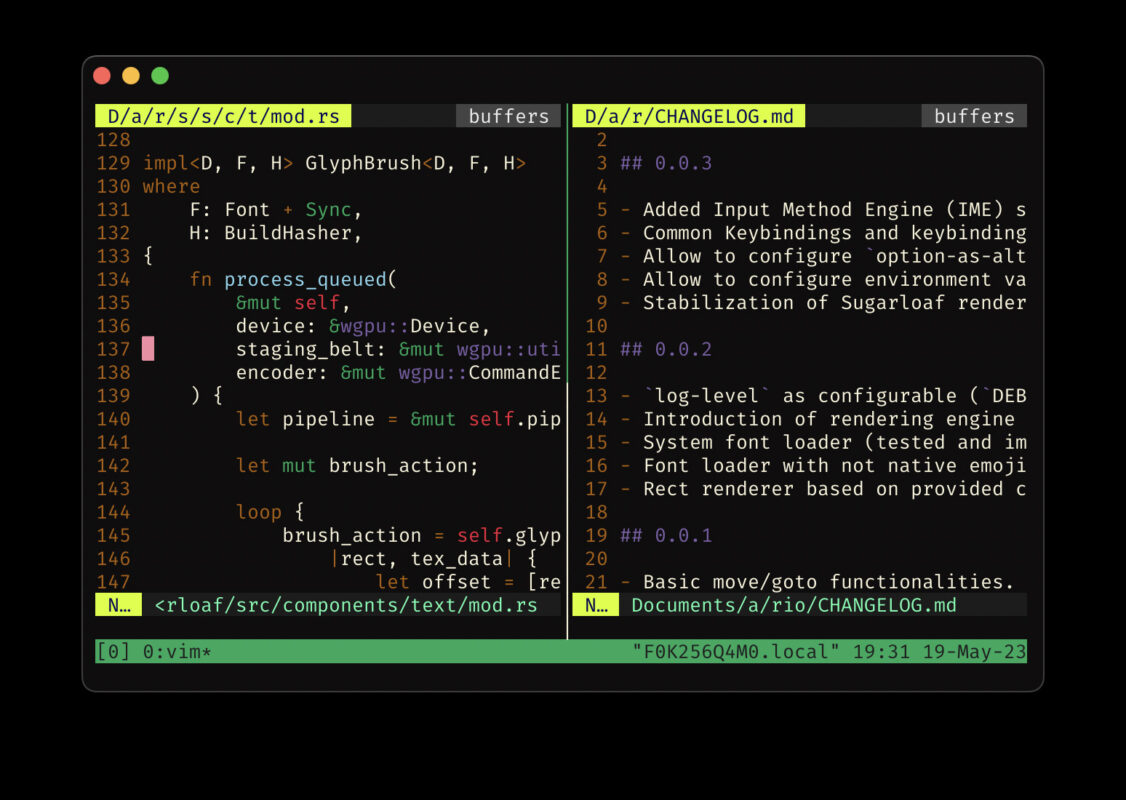
tmux là terminal multiplexer cổ điển nhưng giao diện mặc định còn thiếu features hiện đại: status bar đẹp, đánh số pane tự động, scrollback search, session persistence.
tmux Plugin Manager (TPM) tự động hóa cài đặt và update plugin — biến tmux cơ bản thành IDE-level terminal experience. TPM hiện có hơn 200 plugin trên GitHub, từ color scheme đến status bar monitoring. TPM là standard de facto cho tmux plugin management — nhẹ (~200 lines bash), dependency-free, và tương thích mọi Unix-like OS.
Cơ chế TPM hoạt động
TPM là bash script đơn giản (~200 dòng). Đặt plugin list vào .tmux.conf dòng set -g @plugin 'owner/repo'. Lần đầu chạy prefix + I, TPM clone tất cả repo về ~/.tmux/plugins/ rồi source vào tmux qua run-shell trong config. Update: prefix + U pull + reload.
TPM scan config dòng @plugin bằng regex, git clone hoặc git pull từ GitHub. Nếu plugin có file *.tmux hoặc *.plugin.tmux, TPM auto-source. Config plugin-specific qua set -g @plugin-option value — TPM inject các dòng này trước khi source plugin file. TPM 3.0a hỗ trợ TOML config: ~/.tmux/plugins/colors/colors.toml thay vì nhiều dòng @plugin.
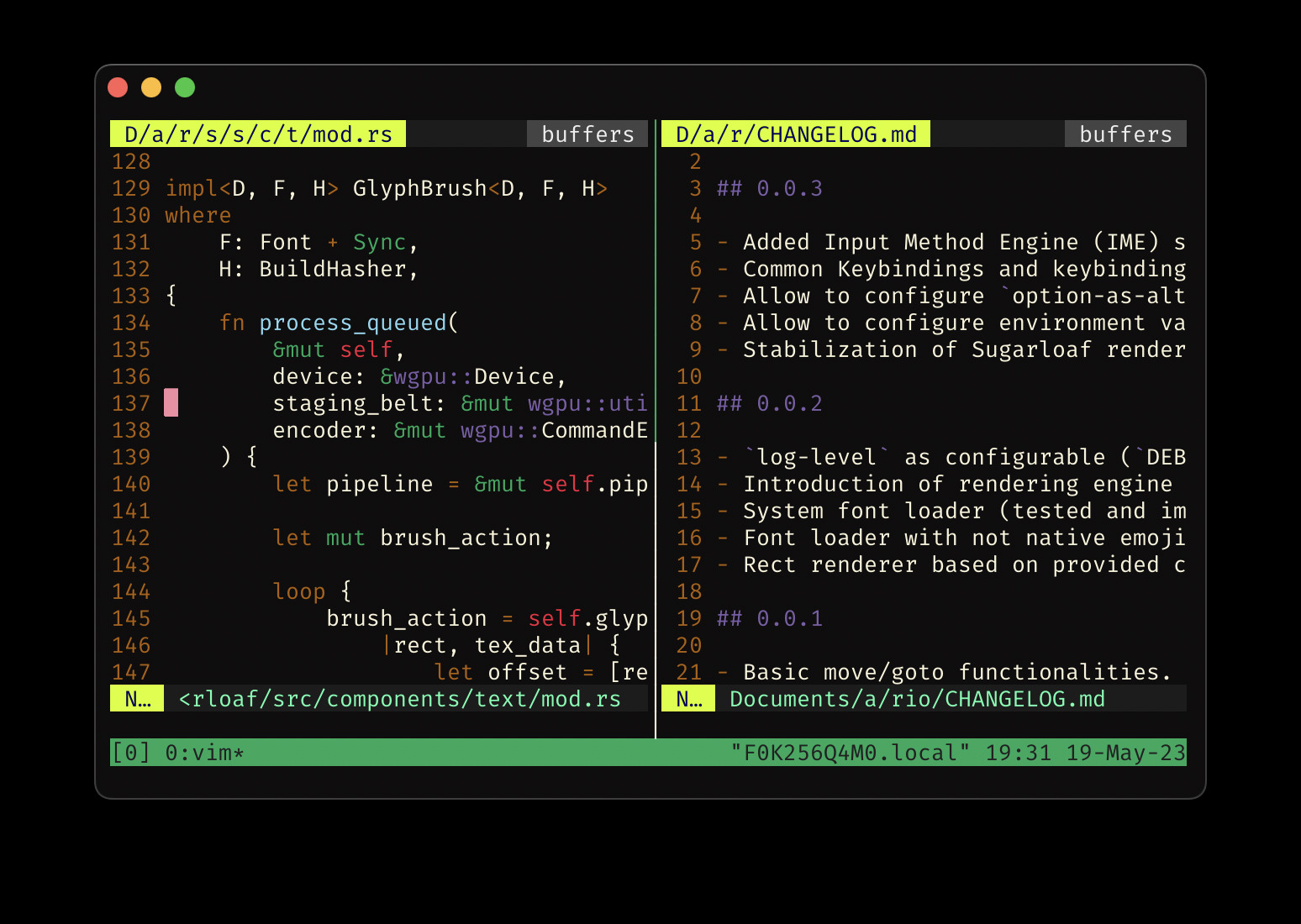
Plugin phổ biến
| Plugin | Tác dụng |
|---|---|
| tmux-sensible | Default config hợp lý (history, escape-time, vim keys) |
| tmux-resurrect | Restore session sau reboot — lưu layout, pane, CWD |
| tmux-continuum | Auto-save/restore session mỗi 15 phút |
| tmux-yank | Copy text vào system clipboard (macOS/Linux/WSL) |
| tmux-cpu | Hiển thị CPU/RAM/GPU trong status bar |
| dracula/tmux | Theme đẹp, status bar icon |
Cấu hình cơ bản
set -g @plugin 'tmux-plugins/tpm'
set -g @plugin 'tmux-plugins/tmux-sensible'
set -g @plugin 'tmux-plugins/tmux-resurrect'
set -g @plugin 'tmux-plugins/tmux-continuum'
set -g @plugin 'dracula/tmux'
set -g @plugin 'tmux-plugins/tmux-cpu'

run '~/.tmux/plugins/tpm/tpm'
Ví dụ: Customize status bar
Thêm git status, battery, weather:
set -g status-right '#{battery_status_bg} Batt: #{battery_icon} #{battery_percentage} | %a %h-%d %H:%M'
set -g status-left '#[fg=green]#S #[default]'
set -g status-left-length 40
set -g status-right-length 60
set -g @plugin 'tmux-plugins/tmux-battery'
set -g @plugin 'tmux-plugins/tmux-online-status'
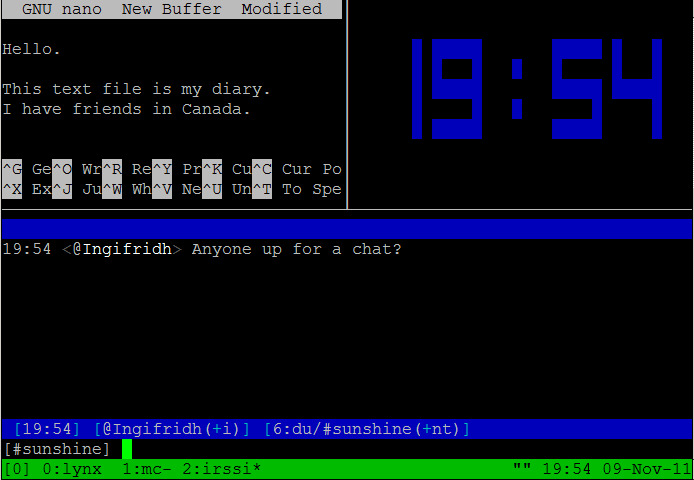
Session persistence workflow
Kết hợp tmux-resurrect + continuum cho auto-backup. Resurrect lưu toàn bộ: pane layout, CWD, active command, scrollback. Continuum auto-save mỗi 15 phút vào ~/.tmux/resurrect/.
set -g @resurrect-capture-pane-contents 'on'
set -g @continuum-restore 'on'
set -g @continuum-save-interval '15'
Restore: prefix + Ctrl+r hoặc auto khi tmux start. Lưu ý: tmux-resurrect lưu binary state — khôi phục CWD đúng nếu mount path không đổi. Dùng reattach-to-user-namespace (macOS) để clipboard hoạt động với tmux-yank.
Resurrect lưu dưới dạng shell script: mỗi pane được recreate bằng command đã chạy. Scrollback lưu vào file riêng. Việc này có nghĩa là bạn có thể restore cả terminal đang chạy vim main.c và psql -U dev song song — đúng như khi tắt máy.
Auto-start tmux trên boot
Thêm vào ~/.bashrc hoặc ~/.zshrc:
if [ -z "$TMUX" ] && [ "$TERM_PROGRAM" != "vscode" ]; then
  tmux attach -t default || tmux new -s default
fi
Kết hợp với continuum: session restore tự động khi login SSH. Tmux start default session nếu chưa có, khôi phục layout trước đó. Khi SSH disconnect, tmux tiếp tục chạy background — reconnect bằng tmux attach. Pattern này phổ biến trong server management và pair programming.
Troubleshooting phổ biến
- Copy không hoạt động: Cài
xsel(Linux),reattach-to-user-namespace(macOS). Setset -g @yank-action 'copy-pipe-no-clear'. - Resurrect không lưu pane: Thêm
set -g @resurrect-capture-pane-contents 'on'. Đảm bảo pane không chạy command nhận stdin (less, man) khi save. - Continuum tự start: Set
set -g @continuum-boot 'on'. Tmux sẽ tự start khi terminal mở nếu chưa có session. - Plugin xung đột: Xóa
~/.tmux/plugins/rồi reinstall từng cái. Check conflict bằngtmux source ~/.tmux.conf— xem error trongprefix + :mode. - Status bar flicker: Thêm
set -g status-interval 2. Nếu vẫn flicker, tắttmux-cpu— nó query/proc/statmỗi interval. - Mouse mode off: Một số plugin disable mouse. Thêm
set -g mouse onvào config chính, hoặc set lại sau khi source TPM.
Khi nào cần
- Dev chạy nhiều server Docker, nginx, Redis trong tmux — resurrect giữ layout sau reboot.
- Pair programming qua SSH — restore session nhanh, không cần tạo lại pane.
- Monitoring hệ thống: tmux-cpu + continuum + online-status trong 1 pane.
- Chuyển máy thường xuyên — worktree + TPM = workflow portability hoàn toàn.
- Data science: Jupyter kernel,
htop,tail -flogs,psqlprompt trong các pane khác nhau.
Kết luận
TPM biến tmux từ multiplexer tối giản thành trung tâm làm việc tùy chỉnh. 5 phút cài đặt, lợi ích hàng ngày: session persist, clipboard, CPU monitor, theme đẹp. Tất cả plugin quản lý qua 2 phím (prefix + I install, prefix + U update) — không cần grep bash config mỗi lần update.
Workflow hoàn chỉnh: tmux + TPM cho terminal experience + git worktree cho project context + git + gh cho version control. Cả ba kết hợp tạo ra development environment di động, restart-proof, và portability giữa các máy.
Nguồn tham khảo: